
Cognitive Stimulation Apps and Games for Dementia Patients: A Practical Guide for Caregivers

Cognitive stimulation apps and games for dementia patients can provide enjoyable ways to practise attention, communication, memory, and everyday decision-making. Their greatest value usually comes from creating a positive shared activity, rather than from achieving a high score or proving a medical benefit.
Good dementia care technology should fit the person, not force the person to fit the technology. Familiar music, family photographs, culturally relevant topics, and a comfortable pace may matter more than a sophisticated game design. Caregivers should also treat tablet and smartphone apps as one part of personalised care alongside conversation, movement, meaningful routines, and professional support.
How Cognitive Stimulation Apps May Support Dementia Care
Cognitive stimulation apps may support dementia care by encouraging mental engagement, communication, routine, and enjoyment through short, structured activities. They do not cure, prevent, or reverse dementia, and they should complement medical advice and personal care.
An app can give someone a simple reason to focus for a few minutes. Matching pictures, identifying familiar sounds, completing a visual sequence, or choosing a favourite song may encourage attention and participation. When a caregiver joins in, the activity can also become a conversation starter.
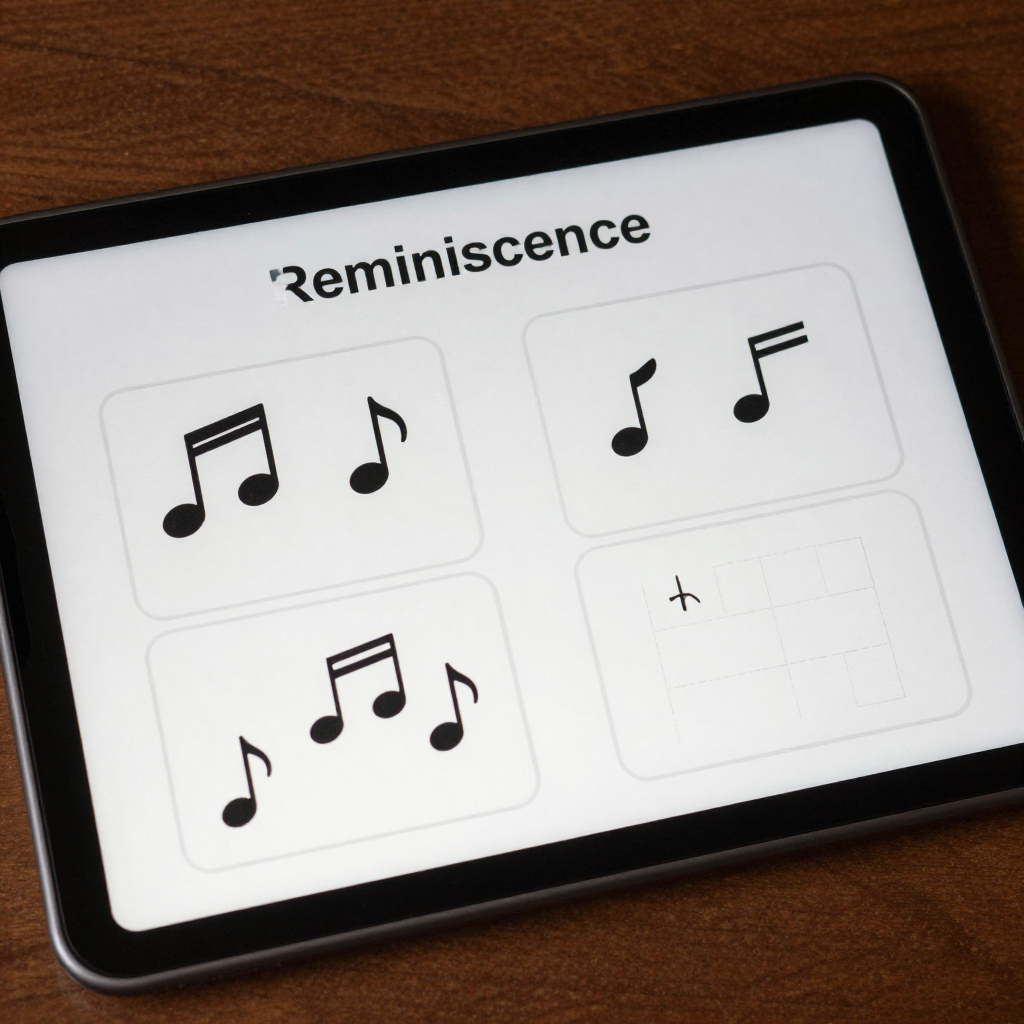
For example, a photograph-based reminiscence activity might show images of trains, gardens, school life, or local landmarks. The aim is not to test whether the person remembers every detail. The conversation itself may support identity, communication, and social engagement.
Digital activities can also help establish a gentle routine. A ten-minute session after breakfast may feel more manageable than an open-ended instruction to exercise the brain. However, routine should remain flexible. Fatigue, pain, low mood, sensory changes, and medication effects can all alter a person’s ability to participate.
Resources such as the U.S. government’s caregiver guidance reinforce the importance of adapting support to the individual. An app works best when it preserves dignity and offers choice.
Types of Apps and Games to Consider
Memory games, puzzles, reminiscence tools, language activities, creative tasks, and simple social games can all support cognitive stimulation, provided their design and difficulty suit the individual.
Memory and matching games
Picture matching, sorting, object recognition, and simple sequencing games offer clear goals. Use large images and a small number of choices at first. If a game repeatedly highlights errors, it may feel like an examination rather than an enjoyable activity.
Puzzles and visual activities
Jigsaw-style puzzles, spot-the-difference tasks, colouring, shape placement, and pattern activities may appeal to people who prefer visual or hands-on challenges. A caregiver can adjust the number of pieces or select activities with no time limit.
Music and reminiscence tools
Music players, digital photo albums, and reminiscence apps can connect technology with personal history. Build playlists around meaningful songs rather than relying only on generic relaxation music. Ask open questions such as, Where did you hear this song? or Who used to enjoy it with you?
Language and communication activities
Word association, naming familiar objects, sentence completion, and picture-based conversation can encourage communication. These activities should never become a correction exercise. If a word is difficult, offer a clue or move naturally to another topic.
Creative and social games
Drawing, digital painting, virtual gardening, singing, and simple turn-taking games may support self-expression and connection. Multiplayer options can be useful when a family member joins remotely, but privacy settings and consent deserve careful attention.
Choosing Activities for Different Abilities and Dementia Stages
The right activity matches current abilities, personal interests, and energy levels rather than relying on a dementia diagnosis alone. Begin with the person’s history and preferences, then adjust challenge, pace, and input method.
In earlier stages, some people may enjoy word games, strategy puzzles, trivia about familiar interests, or more complex creative tools. They may also want to choose their own activities and control the settings. Offer challenge as an invitation, not an obligation.
As abilities change, activities with fewer choices, predictable layouts, clear images, and immediate feedback may become easier. Familiar photographs, music, sorting tasks, and one-step interactions often work well. Avoid assuming that a person who once enjoyed difficult puzzles will always want them.
- Difficulty: Start with one clear task and increase complexity only when the person remains comfortable.
- Pace: Choose untimed activities and allow pauses between screens.
- Visual design: Look for high contrast, uncluttered layouts, readable text, and large touch targets.
- Input method: Consider whether tapping, swiping, speaking, or using an external switch is easiest.
- Session length: Begin with five to ten minutes and stop while the activity is still enjoyable.
- Personalisation: Include favourite music, familiar places, family names, hobbies, and culturally meaningful content.
A useful decision rule is comfort, connection, challenge. If comfort drops, simplify the task. If connection disappears, join the activity or switch to reminiscence. If challenge creates anxiety, reduce the number of choices and remove scoring.
Essential Accessibility and Safety Features
Dementia-friendly apps need simple navigation, adjustable presentation, and strong privacy controls. Accessibility features reduce unnecessary effort so the person can focus on the activity itself.
- Large buttons and touch targets that are easy to select accurately
- Short instructions supported by icons, spoken guidance, or demonstrations
- Adjustable text size, contrast, brightness, and sound volume
- Minimal animation, advertisements, pop-ups, and distracting notifications
- Untimed play, pause controls, and an easy way to return to the home screen
- Offline access when internet connections are unreliable or unnecessary
- Caregiver controls for changing difficulty, muting sounds, or limiting purchases
- Clear information about subscriptions, data collection, and account deletion
Privacy and data safety require special care. Do not upload identifiable photographs, names, voice recordings, or health information unless the person has provided appropriate consent and the service explains how it uses that data. Review permissions before installation, disable unnecessary location access, and use a device passcode.
Technology can also create physical and emotional risks. Screen glare may worsen visual discomfort, loud audio may cause distress, and a confusing interface can damage confidence. Test the app yourself before introducing it, and keep a non-digital alternative nearby.
How Caregivers Can Introduce and Use These Apps
To introduce a dementia app, prepare the device, demonstrate one simple action, and observe the person’s response without taking control away. The first goal is confidence, not completion.
- Prepare the environment. Choose a quiet, well-lit space, charge the device, reduce notifications, and set comfortable volume and brightness.
- Explain the activity simply. Say what will happen in one or two sentences. Avoid lengthy technical instructions.
- Demonstrate once. Show a tap or swipe, then let the person try. Ask before guiding their hand.
- Offer encouragement. Comment on participation, curiosity, or enjoyment rather than accuracy. Avoid repeatedly saying that an answer is wrong.
- Watch for signals. Squinting, withdrawing, repeated tapping, agitation, silence, or fatigue may indicate that the activity is too difficult or poorly timed.
- Adapt or stop. Reduce choices, switch to music or photographs, take a break, or end the session without framing it as failure.
Caregivers can keep a brief note of what worked: time of day, activity type, session length, and the person’s mood. This turns personalisation into an evidence-informed routine without turning care into a performance chart.
Benefits, Limitations, and Complementary Care
The main benefit of cognitive stimulation apps is supported engagement; their main limitation is that they cannot replace relationships, clinical care, or real-world activity. Results vary widely according to the person, the app, the setting, and the quality of caregiver support.
Potential benefits include a pleasant daily routine, opportunities for conversation, practice with attention, access to music and memories, and a shared activity during periods of isolation. Some people may also enjoy the autonomy of choosing an activity independently.
There are clear limitations. A person may find a touchscreen unfamiliar, have difficulty seeing small details, experience hand tremors, or become tired after a few minutes. Digital games can also reward rapid responses that have little connection with everyday functioning. A high score does not demonstrate improved independence.
Common mistakes include choosing an app because it is marketed as a brain-training solution, leaving someone alone with a confusing interface, and using the same activity despite visible frustration. The correction is straightforward: assess the person’s response, prioritise enjoyment, and change the activity when it no longer fits.
Balance screen-based activities with conversation, walking, household tasks, crafts, gardening, reading aloud, familiar outings, and music played together. If there are sudden changes in cognition, mood, behaviour, vision, hearing, or motor ability, contact a healthcare professional rather than assuming the app is responsible.
A Simple Checklist for Selecting a Dementia-Friendly App or Game
A suitable app should be usable, personally meaningful, safe, transparent about cost, and manageable for the caregiver. Test it before recommending regular use.
- Can the person understand the first screen without lengthy explanation?
- Are the controls large, consistent, and easy to tap or swipe?
- Can you adjust text size, contrast, sound, speed, and difficulty?
- Does the content reflect the person’s interests, language, culture, and life story?
- Can the activity work without timers, competition, advertisements, or frequent pop-ups?
- Does it support conversation, creativity, reminiscence, or meaningful choice?
- Are subscription terms, in-app purchases, permissions, and data practices clear?
- Can a caregiver supervise, pause, personalise, or exit the activity easily?
- Does the person appear relaxed or interested after using it?
Think of app selection as a small trial rather than a permanent commitment. Try one activity for several sessions, invite feedback, and keep it only if it supports dignity, comfort, and connection.
Frequently Asked Questions
Are cognitive stimulation apps suitable for all dementia patients?
No. Many people can enjoy them, but suitability depends on vision, hearing, motor ability, cognitive changes, personal history, and interest in technology. A caregiver or professional should adapt the activity and stop if it causes distress.
What types of games are easiest for people with dementia to use?
Simple matching, sorting, music, familiar photographs, colouring, and untimed activities are often accessible. The easiest option is the one with clear controls and personally meaningful content.
How long should a cognitive stimulation activity last?
Start with five to ten minutes and extend only when the person remains comfortable and engaged. Several short sessions may work better than one long session.
Can apps replace cognitive stimulation groups or professional care?
No. Apps can complement cognitive stimulation groups, occupational therapy, medical guidance, and personal care, but they cannot replace human interaction, assessment, or tailored support.
How can caregivers protect privacy when using dementia care apps?
Review permissions, use a device passcode, avoid unnecessary personal data, check subscription terms, and choose services with clear privacy information. Obtain appropriate consent before uploading photographs, recordings, or health details.