Telemedicine and Remote Health Monitoring for Older Adults With Dementia
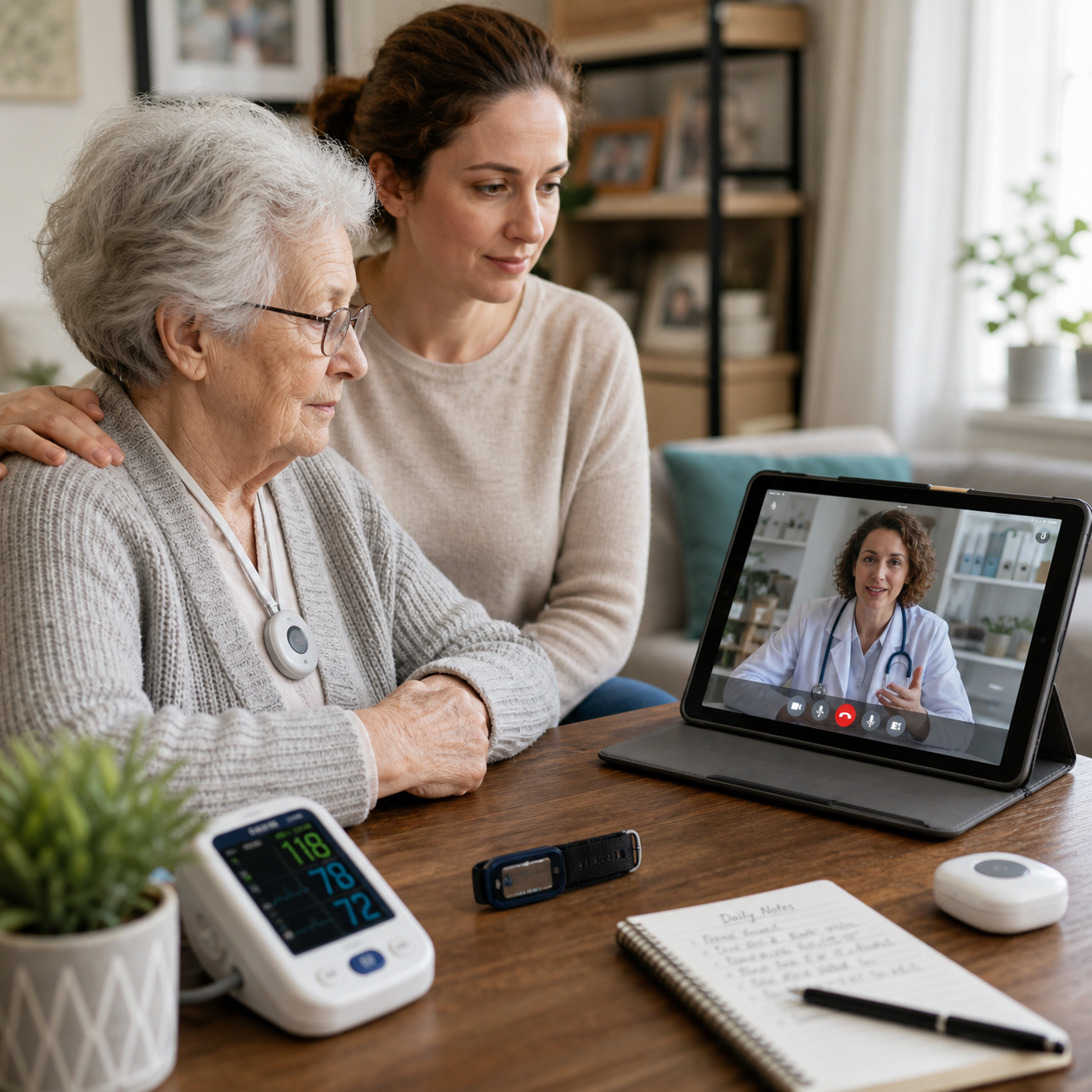
Telemedicine and remote health monitoring can help older adults with dementia stay connected to healthcare providers without making every appointment a journey. Used thoughtfully, these tools support routine care, symptom follow-up, medication management, and caregiver communication while preserving the need for hands-on clinical assessment when it is necessary.
What Telemedicine and Remote Health Monitoring Mean for Older Adults
Telemedicine delivers healthcare through secure video consultations, telephone calls, and digital communication, while remote patient monitoring collects health information at home for review by a care team. Together, they complement in-person dementia care rather than replace it.
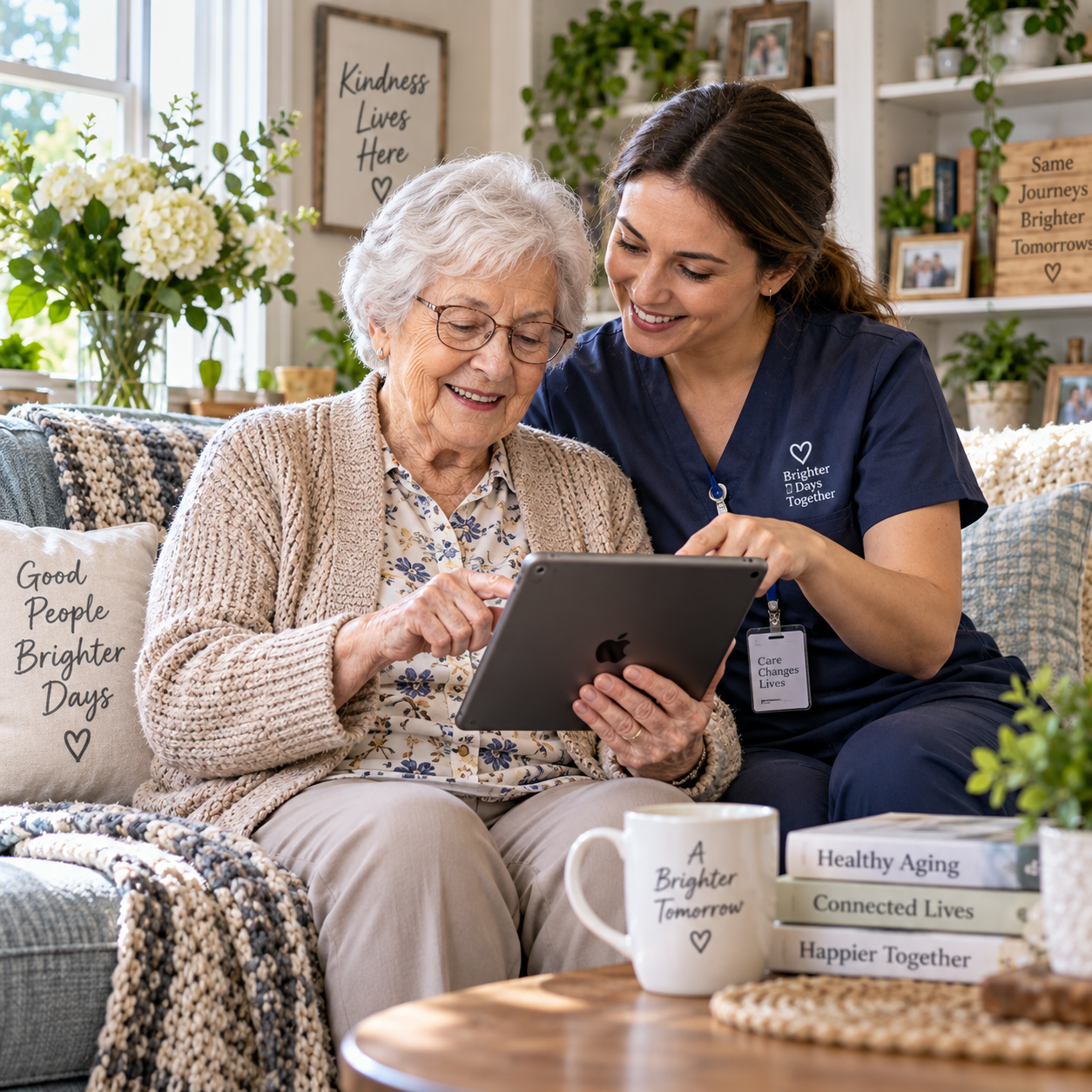
For an older adult with dementia, telemedicine may involve a scheduled video visit with a physician, nurse, pharmacist, neurologist, geriatrician, or therapist. Remote patient monitoring may involve recording blood pressure, pulse, weight, blood glucose, sleep, movement, or other agreed measures and sharing them with healthcare providers.
The arrangement works best as a partnership. The older adult remains central to decisions, family caregivers help with preparation or technology when appropriate, clinicians interpret information, and the device provides supporting data. A monitor cannot understand a person’s history, mood, discomfort, or preferences on its own.
Telemedicine is generally suitable for routine reviews, care-plan discussions, and questions that do not require a physical examination. Sudden weakness, severe breathing difficulty, a serious fall, suspected stroke, chest pain, or an immediate safety threat requires local emergency services or urgent in-person care.
How These Technologies Support Dementia Care
Telemedicine supports dementia care by making routine contact easier, helping clinicians follow changes over time, and giving family caregivers a structured way to raise concerns. Remote information is most useful when it leads to timely human review.
Video consultations can support medication reviews, discussions about sleep or appetite, behavioral changes, continence concerns, mood, and caregiver stress. A clinician may also use the appointment to check whether a care plan remains practical at home. The person with dementia might answer some questions, while a caregiver provides additional observations without speaking over them.
Medication management is another common use. A pharmacist or clinician can review the medication list, ask about missed doses or side effects, and discuss whether a reminder system or supervised routine would help. Families should not change prescription doses based only on a device alert or online advice; medication decisions belong with the prescribing healthcare professional.
Remote monitoring may also help identify a pattern that deserves attention. For example, repeated poor sleep, reduced activity, missed meals, or unusual blood pressure readings could prompt a clinician to contact the family. These signs do not diagnose an illness. They provide context for a conversation and may help the team decide whether an in-person assessment is needed.
Caregiver guidance can happen between appointments. A nurse may demonstrate a routine over video, explain how to record symptoms, or help a family prepare questions for the next visit. This can be especially useful when several relatives share responsibilities across different locations.
Useful Remote Monitoring Tools and Features
Useful tools for older adults with dementia are simple, clinically relevant, and easy for a trusted person to support. The right solution depends on the care plan, not on how many features a product offers.
- Video visits: Secure video consultations can support routine follow-up, medication discussions, caregiver education, and care coordination. A telephone option is valuable when video is confusing or the connection is poor.
- Medication reminders: Alarms, automated dispensers, smartphone prompts, and caregiver notifications can support a familiar medication routine. Reminders do not prove that a dose was taken, so higher-risk medicines may require direct supervision or another agreed safeguard.
- Vital-sign monitoring: Digital blood pressure cuffs, thermometers, pulse oximeters, scales, and glucose meters can record measurements when a clinician has explained which readings matter and how often to take them.
- Wearable devices: Watches or pendants may track activity, location, heart rate, or falls. Comfort, battery life, charging, skin sensitivity, and the wearer’s willingness to use the device matter as much as technical capability.
- Motion and activity monitoring: Sensors can show changes in movement, sleep routines, or room use. Families should agree in advance what is monitored, who sees it, and how long information is retained.
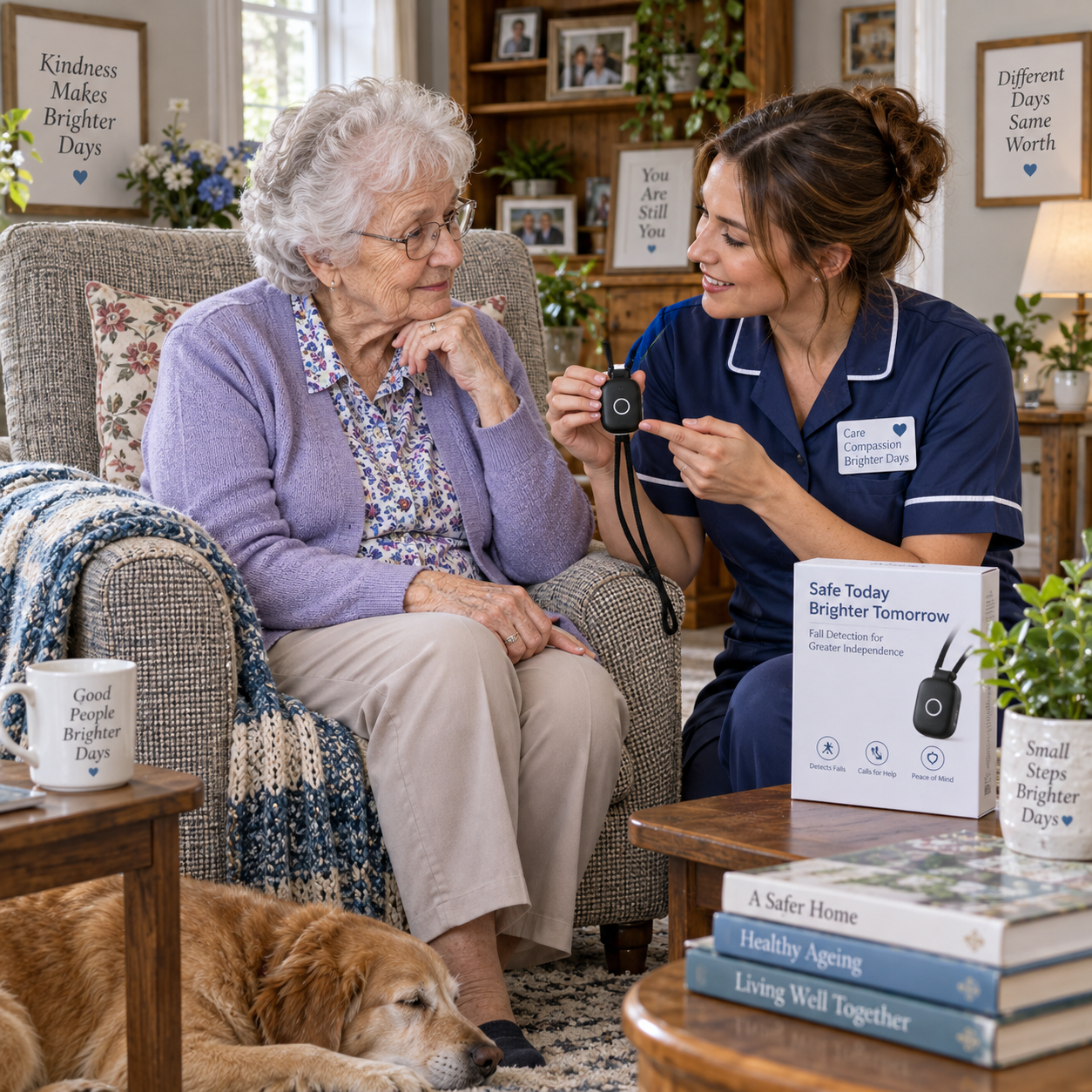
- Emergency alerts: Personal alarm buttons, fall-alert systems, and door or stove sensors may provide an additional safety layer. They are not guaranteed to detect every emergency or replace supervision and emergency planning.
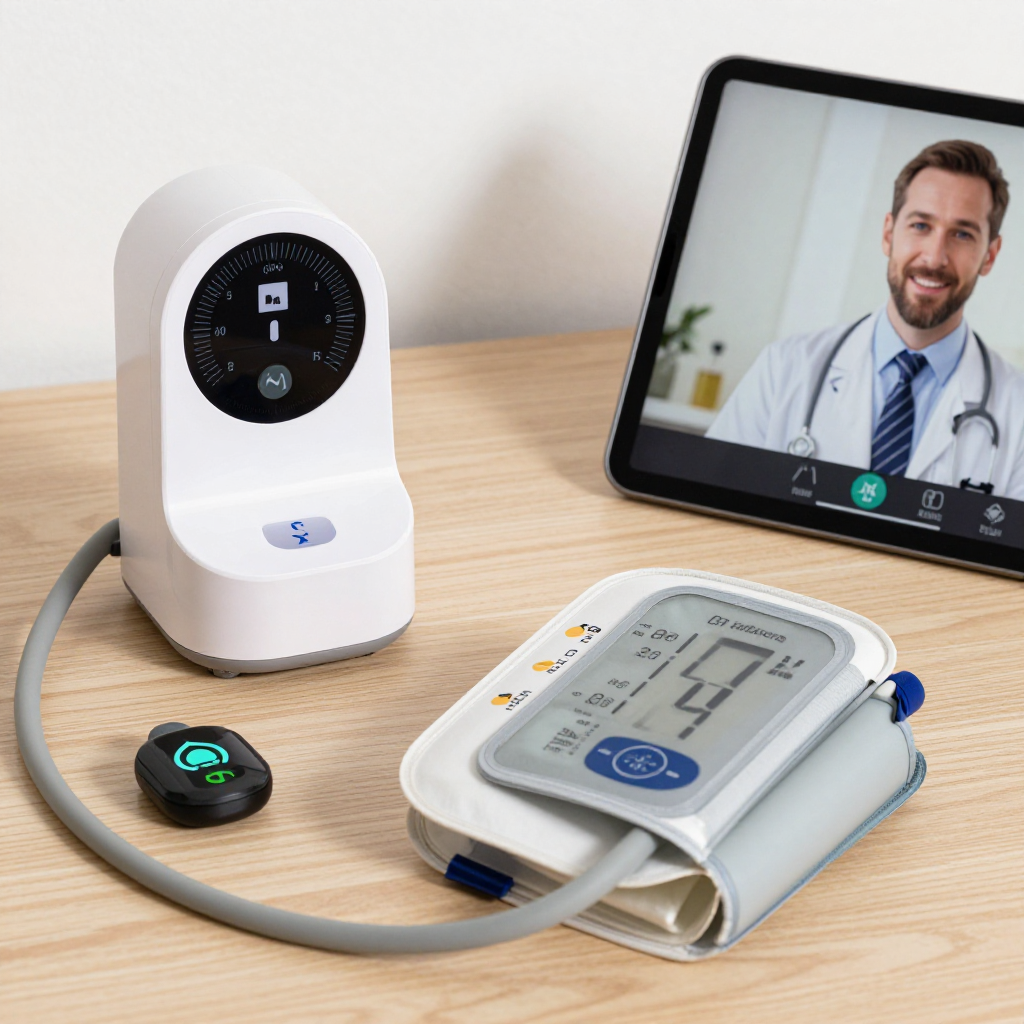
Before choosing a device, ask whether it integrates with the healthcare provider’s workflow. A reading that no clinician reviews may create anxiety without improving care. Some systems also generate false alerts, particularly when a wearable is loose, a sensor is misplaced, or normal variation is treated as an emergency.
Benefits for Older Adults, Caregivers, and Clinicians
The main benefit of telemedicine and remote monitoring is better connection between home and healthcare services. These tools may reduce travel burden, preserve continuity, and help the care team understand daily life between appointments, although benefits vary by person and setup.
Older adults may find a familiar home environment less stressful than a clinic. Avoiding transportation can also reduce fatigue and the disruption of established routines. A video visit may make it easier for a distant family member to participate, provided the older adult agrees and the clinician can protect confidentiality.
Family caregivers gain a practical channel for sharing observations. A short record of sleep, appetite, medication difficulties, falls, or changes in behavior can make a clinical conversation more precise than relying on memory alone. Remote visits may also reduce the need to take time off work or arrange transport.
Healthcare providers can use home readings and caregiver reports to see trends rather than isolated snapshots. This may support more focused appointments and earlier discussion of potential problems. Still, remote data has limits: a blood pressure value cannot show pain, confusion, dehydration, or an unsafe home environment by itself.
The strongest model follows a simple cycle: notice, verify, respond. A sensor notices a change, a caregiver or clinician verifies what happened, and the care team decides on an appropriate response. Skipping verification turns technology into a source of unnecessary alarm.
Challenges, Safety, Privacy, and Accessibility
Telemedicine is safest when technology, consent, and human oversight are planned together. Digital tools can widen access for some older adults while excluding others because of connectivity, disability, cost, unfamiliar interfaces, or limited technical support.
Hearing loss, low vision, tremor, arthritis, speech difficulties, and cognitive changes may affect a video appointment. Helpful adjustments include captions, larger text, headphones, good lighting, a stable camera, plain language, extra time, and written follow-up. A telephone appointment, home visit, or clinic appointment may be more suitable when video creates frustration.
Connectivity problems need a backup plan. Record the clinic’s telephone number, agree how long to wait before calling, and keep an updated medication list available offline. Test the device before the first appointment rather than discovering a camera or password problem during it.
Data privacy and consent deserve direct discussion. The person with dementia should be involved in decisions as far as possible, and the care team should assess capacity under applicable law when consent becomes complex. Families should clarify who can view recordings, location information, alerts, and health measurements; whether data is sold or shared; how it is encrypted; and how an account can be closed.
Monitoring inside a home can affect dignity and trust. Continuous cameras or location tracking may be excessive when a less intrusive reminder or emergency button would meet the same need. Agree on boundaries with the older adult and review them as abilities and preferences change. Privacy information from the U.S. Department of Health and Human Services can help families understand health-information protections, although local rules may differ.
Alerts also require clear responsibility. Decide who receives them, during which hours, what counts as urgent, and what happens if the primary caregiver cannot respond. A device that sends notifications to nobody available is not a complete safety plan.
How to Choose and Introduce a Remote Care Solution
Choose a remote care solution by starting with a specific care problem, then testing the simplest suitable tool. A short trial with clear responsibilities is usually more useful than purchasing a complex system immediately.
- Define the need. Is the goal medication support, routine vital-sign tracking, fall response, video access, caregiver coordination, or help noticing a change in daily activity?
- Confirm clinical relevance. Ask the healthcare provider which measurements matter, how often to collect them, who reviews them, and what action follows an abnormal result.
- Assess usability. Look for large controls, readable displays, audible and visual prompts, automatic data transfer, simple charging, and accessible customer support.
- Set caregiver roles. Identify who installs the device, checks batteries, helps with appointments, receives alerts, and contacts the clinician. Avoid assigning responsibility without confirming availability.
- Check compatibility and security. Ask whether the tool works with the provider’s platform, uses secure accounts, supports multifactor authentication, and explains data retention in understandable language.
- Create a backup plan. Keep phone numbers, emergency instructions, paper medication information, and an alternative appointment method available.
- Review the trial. After two to four weeks, ask whether the tool is being used, whether alerts are meaningful, and whether it reduces or increases stress. Stop or change it if the burden outweighs the benefit.
Questions worth asking a vendor or clinic include: Who sees the data? What happens when an alert is missed? Is there a monthly fee? Does the device require a smartphone? Can the older adult use it without help? What happens during an internet outage? These answers reveal more than a product feature list.
Making Telemedicine More Dementia-Friendly
Make telemedicine dementia-friendly by reducing choices, preserving familiar routines, and communicating in short, respectful steps. Preparation should support the person with dementia rather than turn the appointment into a conversation only between caregiver and clinician.
Schedule visits at the time of day when the person is usually most alert. Use the same chair, room, tablet, and pre-visit routine where possible. Place the camera at eye level, reduce background noise, and keep glasses or hearing aids nearby.
Before the call, write three or four key concerns in plain language. Have the medication list, recent readings, symptom timeline, and questions ready. During the visit, the clinician should introduce everyone, explain what will happen, ask the older adult first, and allow extra time for responses.
Caregivers can describe changes accurately by giving examples: “She has missed breakfast three times this week,” is more useful than “She is declining.” They should also mention strengths, preferences, and what currently works. Dementia care includes quality of life, not only risk reduction.
Afterward, record the agreed plan, warning signs, follow-up date, and person responsible for each task. Revisit consent and preferences regularly. A solution remains appropriate only while it fits the older adult’s comfort, capacity, values, and care needs.
Frequently Asked Questions
Can telemedicine replace in-person dementia care?
No. Telemedicine can support routine follow-up, caregiver guidance, and communication, but it cannot replace physical examinations, urgent assessment, hands-on support, or every aspect of dementia diagnosis and treatment.
What remote monitoring tools are useful for older adults with dementia?
Depending on the care plan, useful options include video visits, medication reminders, blood pressure monitors, thermometers, wearables, personal emergency response systems, and motion or activity sensors. The tool should address a defined need and have a responsible human reviewer.
How can caregivers prepare someone with dementia for a video appointment?
Use a familiar room and routine, test the technology, reduce noise, prepare glasses and hearing aids, and explain the visit in simple terms. Keep questions and medication information ready, while allowing the older adult to participate as fully as possible.
What privacy and consent issues should families consider?
Discuss what information is collected, who can access it, how it is secured, how long it is stored, and whether location or video monitoring is truly necessary. Involve the person with dementia in decisions and seek professional guidance when legal capacity or substitute decision-making is uncertain.
When should a remote symptom or monitoring alert lead to urgent medical care?
Follow the instructions provided by the healthcare team for routine alerts. Seek emergency help for signs such as sudden one-sided weakness, severe breathing difficulty, chest pain, serious injury, unresponsiveness, or an immediate danger to the person. When uncertain, contact an appropriate local urgent-care or emergency service rather than relying on the device alone.