Voice-Activated Assistants for Elderly Care: How They Support Seniors and Caregivers
What Are Voice-Activated Assistants and Why Do They Matter in Elderly Care?
Voice-activated assistants are smart devices that respond to spoken commands — allowing users to get information, set reminders, control smart home devices, and make calls without touching a screen or keyboard. For elderly individuals, particularly those living with dementia or cognitive decline, this hands-free interaction removes a significant barrier to technology use.
Devices like Amazon Echo and Google Nest have become increasingly common in care settings because they require no typing, no app navigation, and no memory of complex steps. A senior simply speaks — and the device responds. That simplicity matters enormously when motor skills, eyesight, or short-term memory are compromised.
The broader significance goes beyond convenience. As more older adults choose to age in place — remaining in their own homes rather than moving to residential care — voice assistants offer a practical layer of daily support that can extend independence safely. For family caregivers managing care from a distance, these tools also provide reassurance that their loved one has access to help, reminders, and connection throughout the day.
Key Benefits for Seniors Living with Dementia or Cognitive Decline
Voice assistants offer meaningful, daily benefits for people with dementia — particularly around routine reinforcement and reducing the anxiety that comes with memory gaps.
One of the most consistent challenges for people with cognitive decline is disrupted daily routine. Forgetting whether they've taken medication, eaten breakfast, or locked the front door creates both safety risks and emotional distress. A voice assistant can anchor the day with gentle, repeated prompts — not as a replacement for human support, but as a steady, patient presence that doesn't tire or judge.
Specific benefits include:
- Memory prompts: Scheduled reminders for meals, hydration, and daily activities help maintain structure without requiring caregiver intervention for every task.
- Orientation support: Seniors can ask the device what day or time it is — a small but grounding function for those experiencing disorientation.
- Emotional connection: Voice assistants can play familiar music, read audiobooks, or facilitate calls with family members, reducing isolation — a significant risk factor in cognitive decline.
- Reduced cognitive load: Instead of navigating a phone or remote, one spoken phrase accomplishes the task. That reduction in friction matters for people whose cognitive reserves are already stretched.
These benefits don't apply uniformly. Someone in the early stages of dementia may adapt well, while a person with more advanced impairment may find the interaction confusing. Realistic expectations are essential from the start.
Practical Use Cases: Daily Tasks Voice Assistants Can Help With
The most effective use cases for voice assistants in elderly care are the ones that address real, recurring daily needs — not novelty features.
Medication reminders are among the most cited applications. A voice assistant can be programmed to announce medication times aloud, repeat the reminder if there's no response, and even describe which medications to take if multiple prescriptions are involved. This doesn't replace a pharmacist or physician's oversight, but it meaningfully reduces missed doses.
Other practical applications include:
- Appointment and event alerts: Reminders for doctor's visits, family calls, or therapy sessions help seniors stay engaged with their schedule.
- Emergency calls: Many voice assistants can call a designated contact or emergency services through a simple spoken command — critical for someone who has fallen or feels unwell.
- Weather and news briefings: Brief morning updates give seniors a sense of connection to the wider world and a gentle cognitive prompt to start the day.
- Shopping and to-do lists: Seniors can add items to a shared list that family members can view remotely, supporting independence while keeping caregivers informed.
- Entertainment on demand: Requesting a specific song, radio station, or podcast by voice gives seniors control over their environment without navigating complex menus.
The key is starting with two or three high-value functions rather than overwhelming a new user with every capability at once.
Smart Home Integration and Safety Features
When connected to a broader smart home ecosystem, voice assistants become a more powerful tool for aging-in-place safety — extending their usefulness well beyond simple reminders.
Through smart home integration, a voice assistant can control lights, door locks, thermostats, and security cameras using spoken commands. For a senior with limited mobility, being able to turn off lights or unlock a door without getting up reduces both fall risk and frustration. Voice-controlled lighting, in particular, is a low-cost intervention that can prevent nighttime falls — one of the leading causes of serious injury in older adults.
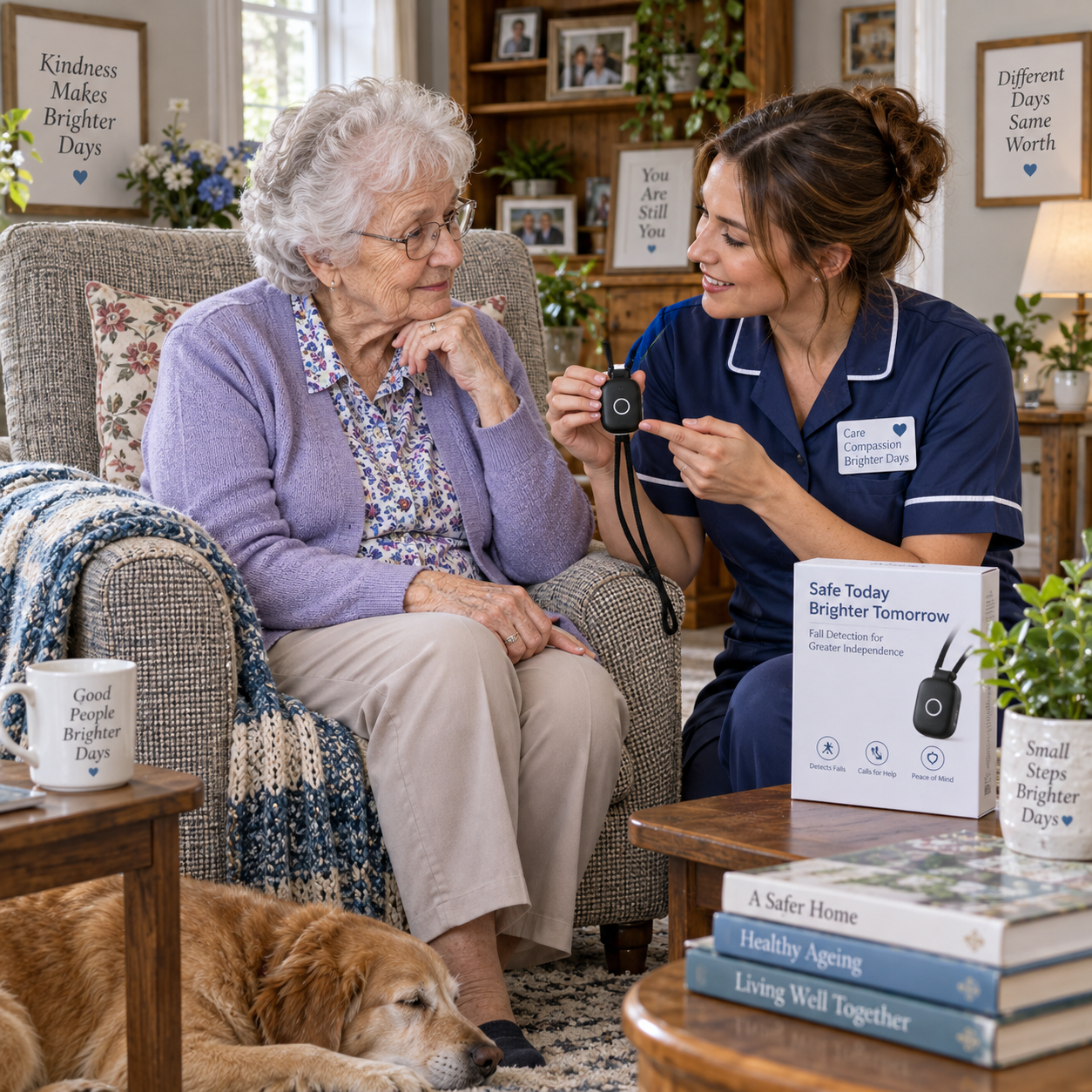
Some setups go further. Paired with compatible sensors, voice assistant platforms can alert caregivers to unusual patterns — such as extended inactivity or a door left open overnight. While dedicated fall detection devices (like medical alert systems) remain more reliable for that specific purpose, smart home sensors integrated with voice assistant hubs can provide a secondary layer of awareness.
For families coordinating care remotely, platforms that allow caregivers to send voice messages or check in through the device offer a practical communication channel — one that doesn't require the senior to navigate a smartphone.
What Caregivers and Families Should Consider Before Getting Started
Before purchasing a voice assistant for an elderly loved one, caregivers should assess a few practical factors — including the person's cognitive level, hearing ability, and comfort with new technology.
Hearing and speech clarity matter more than many families anticipate. Voice recognition technology works best with clear speech at a reasonable volume. Seniors with significant hearing loss may struggle to hear responses, and those with speech changes due to stroke or advanced dementia may find the device doesn't understand them reliably. Testing the device in the actual home environment before committing to a setup is worth the effort.
Privacy is a legitimate concern. Smart speakers with always-on microphones do collect voice data, and families should review the privacy settings of any device they introduce. Disabling purchase features, limiting data sharing, and using a separate Wi-Fi network for smart home devices are basic precautions worth taking. The FTC's guidance on Internet of Things privacy provides a useful reference for understanding data practices.
Other considerations include:
- Whether the senior lives alone or with others (shared households may have different needs)
- Internet reliability in the home — voice assistants require a stable connection to function
- Whether the device integrates with existing health monitoring tools the person already uses
- The caregiver's capacity to set up and maintain the system over time
Limitations and Honest Considerations
Voice assistants are genuinely useful tools, but they are not a substitute for human caregiving, medical devices, or professional support — and treating them as such creates real risks.
The most common limitation is voice recognition accuracy. Accents, quiet speech, background noise, and speech changes associated with aging or neurological conditions can all reduce how reliably a device understands commands. Frustration from repeated misunderstandings can cause seniors to abandon the device entirely — often at the point when it might be most useful.
There's also the risk of over-reliance. A family that installs a voice assistant and reduces check-in frequency may be creating a false sense of security. Technology fails — power outages, internet disruptions, and software updates can all render a device temporarily unusable. Care plans should never depend on a voice assistant functioning without interruption.
For people with moderate to advanced dementia, the interaction model itself can become confusing. A device that responds to any voice in the household, gives unexpected answers, or doesn't respond consistently may increase agitation rather than reduce it. Close observation in the first weeks of use is essential.
Finally, privacy risks are real. Voice recordings, even partial ones, are stored by device manufacturers. Families should make informed decisions about this trade-off rather than assuming default settings are sufficient.
Tips for Introducing Voice Assistants to an Elderly Loved One
Successful adoption almost always depends on how the device is introduced — not just which device is chosen. Patience and gradual integration make a significant difference.
Start with a single, high-value function. Rather than demonstrating every feature on day one, pick the one thing most likely to benefit the person — whether that's playing their favourite music, checking the weather, or setting a medication reminder. Mastery of one task builds confidence and willingness to try more.
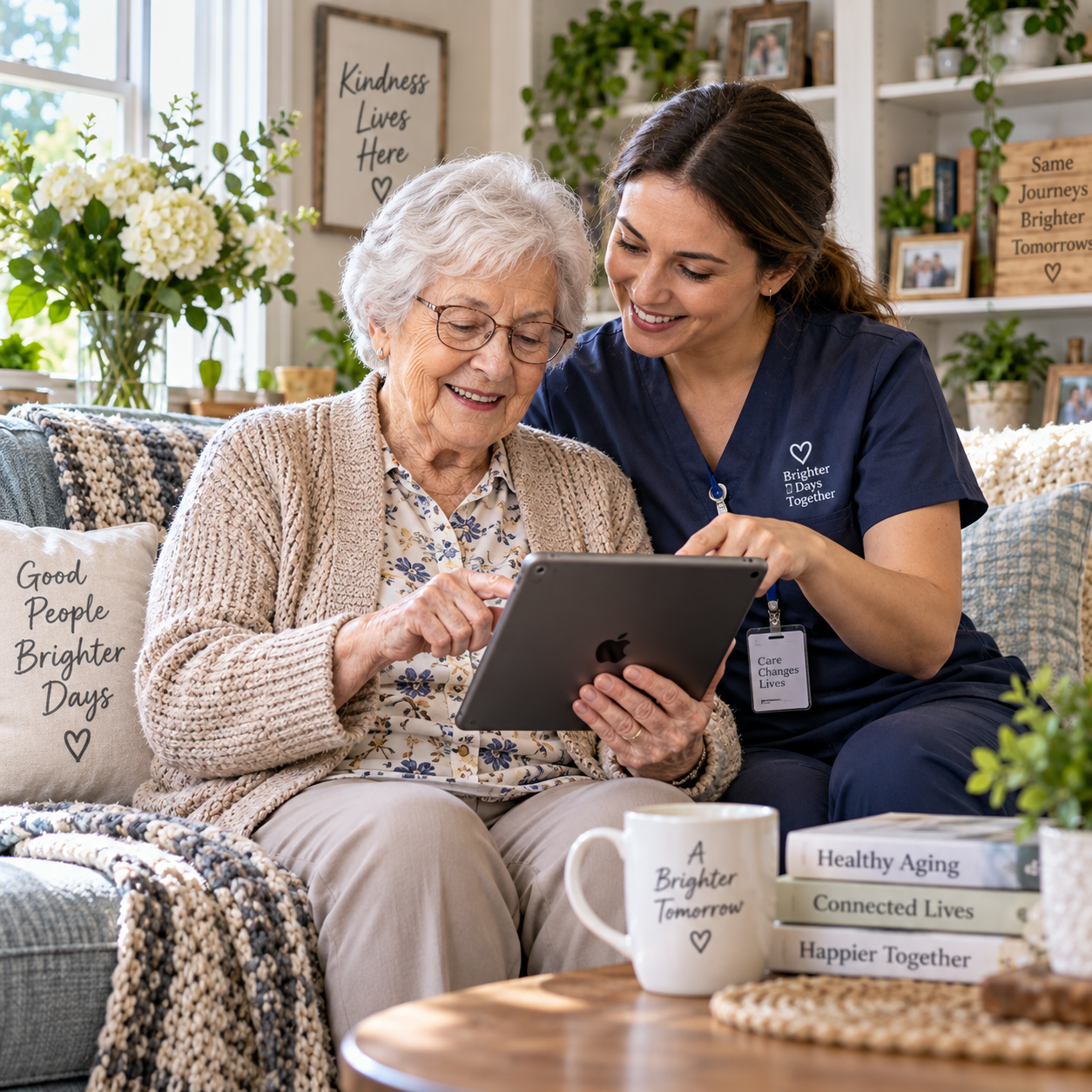
Sit with the person during early interactions. Hearing a family member use the device naturally — asking it questions, giving it commands — normalises the experience far more effectively than written instructions. Many older adults learn best through observation and repetition rather than reading a manual.
A few practical steps that help:
- Place the device where the person spends most of their time, not where it seems technically convenient
- Use a simple, consistent wake word and keep the volume at a comfortable level
- Create a short, laminated reference card with three to five key commands in large print
- Check in regularly during the first month to troubleshoot issues before frustration sets in
- Involve the person in choosing what reminders or routines to set up — ownership increases engagement
Above all, frame the device as a helper, not a monitor. Older adults are more likely to embrace technology that feels supportive rather than surveillance-oriented. The language caregivers use when introducing it matters as much as the setup itself.
Frequently Asked Questions
Can someone with dementia learn to use a voice assistant?
Many people in the early to moderate stages of dementia can learn to use a voice assistant for simple tasks, especially with patient, repeated guidance from a caregiver. The key is keeping interactions simple — one or two commands to start — and placing the device in a familiar, visible location. Those with advanced dementia may find the technology confusing rather than helpful.
Are voice assistants safe for elderly people living alone?
Voice assistants add a useful layer of safety — particularly for emergency calls and routine reminders — but they are not a standalone safety solution. They should complement, not replace, medical alert systems, regular check-ins, and professional care where needed. Internet outages or device failures can disrupt availability at critical moments.
What features should I look for in a voice assistant for elderly care?
Prioritise clear audio output, reliable voice recognition, and the ability to set custom reminders. Smart home compatibility is valuable if the person's home already has or could benefit from connected devices. Drop-in calling features — which allow family members to connect through the device without the senior needing to answer — are particularly useful for remote caregivers.
Can voice assistants remind seniors to take medication?
Yes — medication reminders are one of the most practical and widely used features for elderly care. Most voice assistant platforms allow caregivers to schedule recurring verbal reminders at specific times. This doesn't replace a pharmacist's guidance or a monitored dispensing system, but it meaningfully reduces missed doses for people living independently.
How do I protect an elderly person's privacy when using a smart speaker?
Review the device's privacy settings before setup. Disable purchasing features, review and delete stored voice recordings regularly, and consider using a guest network for smart home devices. Discuss with the person what data is collected and how it's used — informed consent matters, even in a care context.