Nutrition and Meal Planning Technology for Seniors with Dementia
Meals can become harder to manage when dementia affects memory, attention, communication, or daily routines. Thoughtful use of dementia care technology can help caregivers plan familiar foods, coordinate support, and notice changes in eating or drinking.
Technology works best as a practical aid, not a replacement for conversation or hands-on care. The right setup should reflect the person’s abilities, preferences, dignity, and the caregivers’ capacity to maintain it.
Why nutrition and routine matter in dementia care
Regular meals and fluids can be harder to manage as dementia changes memory, recognition, and daily habits. A predictable routine and familiar food may make eating and drinking easier, while caregivers watch for changes that need professional advice.
A person may forget that they have eaten, lose track of mealtimes, or find it difficult to choose from many options. Changes in appetite, taste, coordination, or the ability to recognize food can also affect meals. These experiences differ from person to person and may change over time.
Routines can reduce uncertainty. Serving breakfast at a familiar time, using a preferred cup, and offering a small number of recognizable choices may make the meal feel more manageable. A caregiver might ask, “Would you like oatmeal or eggs?” rather than asking an open-ended question that requires many decisions.
Caregivers can use simple notes to record preferences, such as favorite foods, usual meal times, and what helps the person settle at the table. These observations are not a diagnosis or a nutrition assessment. If eating or drinking changes persist, or there are concerns about weight, swallowing, or overall health, contact a healthcare professional for guidance.
Technology that can support meal planning
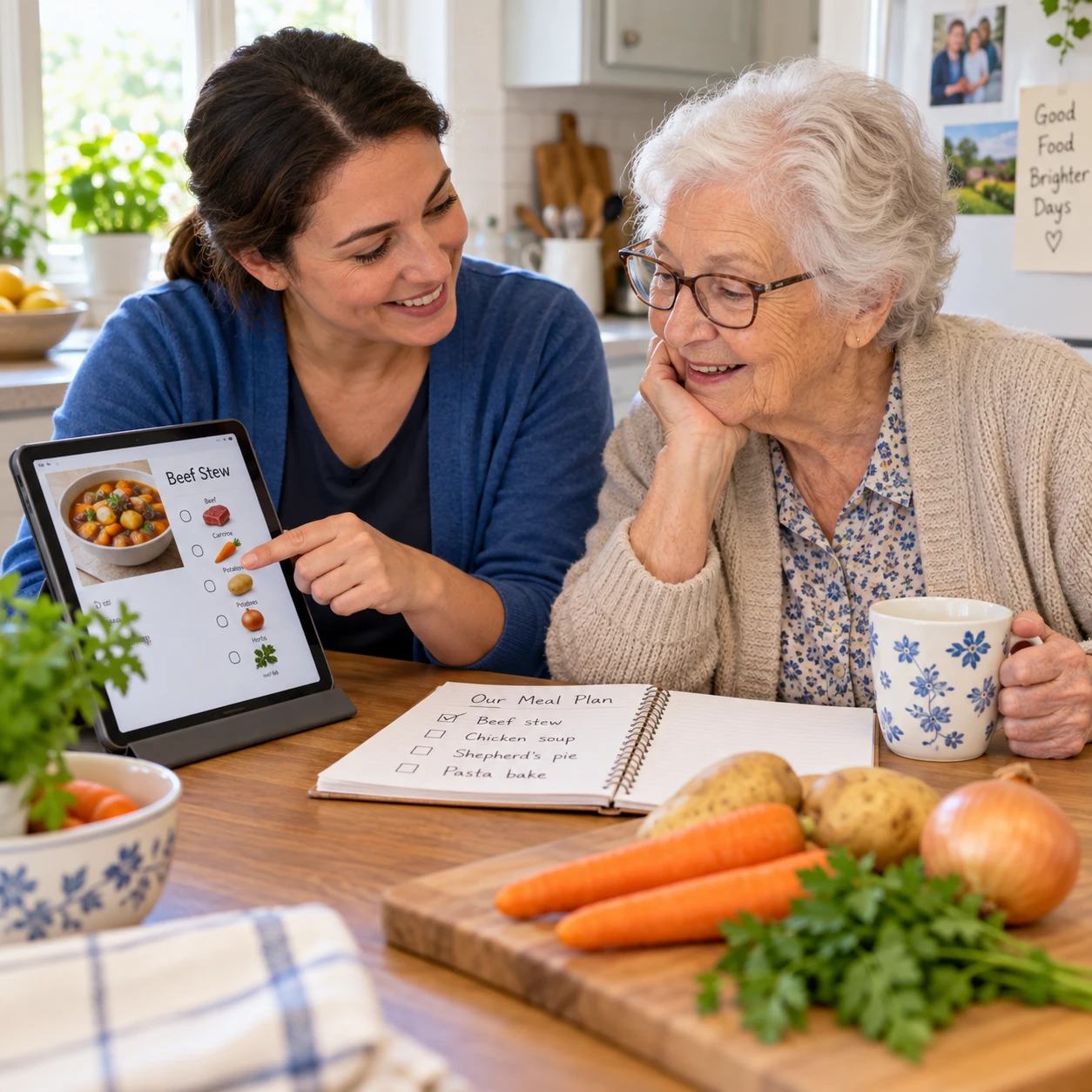
Meal planning apps, shared calendars, and digital preference notes can help caregivers organize meals and pass useful information between one another. Choose tools that reduce coordination work rather than adding a complicated system to maintain.
A shared calendar can show who is preparing or serving each meal, when groceries need to be purchased, and whether a family member is visiting. A basic phone calendar or a shared household planning app may be enough; a specialized platform is not automatically better.
Digital notes can capture practical details that are easy to forget during a busy week. For example, a caregiver might record that the person enjoys soup at lunch, prefers a quiet table, or is more willing to drink from a familiar mug. Keep entries brief and focused on useful care information.
- Plan familiar meals: Save a small rotation of accepted dishes and ingredients.
- Coordinate responsibilities: Assign grocery shopping, meal preparation, and visits in a shared calendar.
- Share preference notes: Record food likes, dislikes, routines, and helpful serving approaches.
- Keep plans flexible: Leave room to offer alternatives if appetite or preferences change.
The trade-off is that shared tools depend on caregivers entering current information. If a person’s preferences shift, an old note can lead to repeated meals they no longer enjoy. Review the plan regularly and treat it as a guide, not a fixed menu.
Reminders, tracking, and caregiver coordination
Meal and hydration reminders can prompt caregivers to offer food or drinks at agreed times, while simple tracking can help them notice patterns. These tools support observation; they cannot confirm that a person has eaten or had enough to drink.
A phone alarm, smart speaker, or calendar notification can remind a caregiver to prepare lunch or offer a drink. Some people may respond well to a gentle spoken prompt, while others may find repeated alerts confusing or upsetting. Test one reminder at a time and observe the person’s reaction.
Nutrition tracking does not need to involve calorie counting. A brief log might note whether a meal was offered, what the person chose, and whether they appeared to eat or drink. Shared records can prevent one caregiver from assuming another has already served a meal and can help the care team discuss changes using specific observations.
Look for patterns, not isolated entries. A few missed meals may reflect an unusual day, but a sustained change in appetite or fluid intake deserves attention. Share relevant observations with a doctor, nurse, dietitian, or other qualified professional. Do not use an app’s summary to make medical decisions or change a prescribed eating plan.
Caregiver coordination works best when everyone knows what to record and where to find it. Keep the log short, agree on clear wording, and identify who will review it. If the system takes longer to update than the task it supports, simplify it.
Choosing tools that fit the person
The best nutrition and meal planning technology is easy to use, accessible to the person or caregiver who needs it, and respectful of privacy. Consider cognitive and sensory needs, reliability, and the time required to keep the tool working.
Some people can use a tablet independently; others may prefer a paper calendar, a large-button clock, or a reminder managed by a caregiver. Dementia care technology should match the person’s current abilities rather than assume that every user can navigate menus, read small text, or remember a device prompt.
Before choosing a tool, check:
- Ease of use: Can the caregiver find the relevant schedule or note in a few steps?
- Accessibility: Are text size, sound level, contrast, and controls suitable for the person?
- Sensory impact: Could alerts, screens, or spoken prompts startle or distract?
- Reliability: Does the tool need Wi-Fi, charging, subscriptions, or frequent updates?
- Privacy: What personal information does it collect, and who can view or share it?
- Caregiver capacity: Can the people involved keep the system accurate without added stress?
For a monitoring device or app that collects health-related information, read its privacy settings and understand how data is stored and shared. Consider consent and the person’s preferences wherever possible. A tool that is technically capable but intrusive, confusing, or unreliable may be the wrong choice.
Pairing technology with human support
Technology can cue a caregiver or organize information, but personal assistance and observation remain central to mealtime support. A reminder cannot tell whether someone is comfortable, recognizes the food, or needs help using utensils.
Use assistive technology to support a specific task: a calendar to coordinate visits, an alarm to prompt a caregiver, or a shared note to communicate food preferences. Then check in with the person. A calm presence, a familiar setting, and patient assistance may matter more than the device itself.
For example, a caregiver might receive a reminder to offer an afternoon drink, then bring the person’s preferred cup and sit with them. If they decline, the caregiver can try again later or offer another suitable choice, rather than relying on the alert as proof that hydration has been addressed.
Some prompts may not work. A recorded voice can feel unfamiliar, and too many alerts can create frustration. Adjust the routine based on the person’s response. Technology should preserve independence where possible, while making it easier for caregivers to provide respectful support.
Putting a simple routine in place
To put a meal-planning routine in place, start with one caregiving need, choose the simplest tool that addresses it, and review whether it helps after a short trial. A small, reliable routine is usually easier to sustain than a detailed system with many features.
- Identify the gap. Decide whether the main challenge is remembering meal times, sharing preferences, planning groceries, or communicating between caregivers.
- Choose one tool. Try a shared calendar, a brief digital log, or a caregiver-managed reminder before adding more technology.
- Set a clear routine. Use familiar meal times and concise notes. Decide who updates the information and who checks it.
- Involve the person. Ask about food preferences and observe which prompts or routines feel comfortable. Offer choices in a way the person can manage.
- Review and adjust. After a week or two, check whether the tool is being used, whether it reduces missed handoffs, and whether the person responds well.
Keep a backup for practical failures. If a phone battery dies or a shared app is unavailable, caregivers should still know the basic schedule and where to find essential preference information. The tool is useful only if the routine continues when technology does not.
Common questions about meal-planning technology
What kinds of meal reminders may help a person with dementia? A caregiver’s phone alarm, a simple calendar alert, or a familiar spoken prompt may help. Choose a gentle format and test whether the person finds it reassuring or confusing.
Can an app track meals and hydration? Some apps allow caregivers to record meals and drinks. Treat entries as observations, not proof of intake or a medical assessment, and share persistent concerns with a healthcare professional.
How can caregivers share meal-planning information? A shared calendar or secure digital note can list meal responsibilities, food preferences, and helpful routines. Keep access limited to people involved in care and agree on who updates the information.
What should caregivers consider before using a monitoring device? Consider consent, privacy, accessibility, reliability, and whether the device addresses a clear need. Explain its purpose in an appropriate way and reassess if it causes distress or collects more information than necessary.
Nutrition and meal planning technology can make routines easier to coordinate, but it cannot replace a caregiver’s judgment or a clinician’s advice. Start with the person’s preferences, keep the system simple, and use it to support attentive, dignified care.